Meal Planning
Plan food choices.
Select meals and see carbs, calories, and food details near the glucose chart.

A1C Aware helps users explore how food choices, exercise settings, and metabolic profile options can change educational glucose chart patterns.
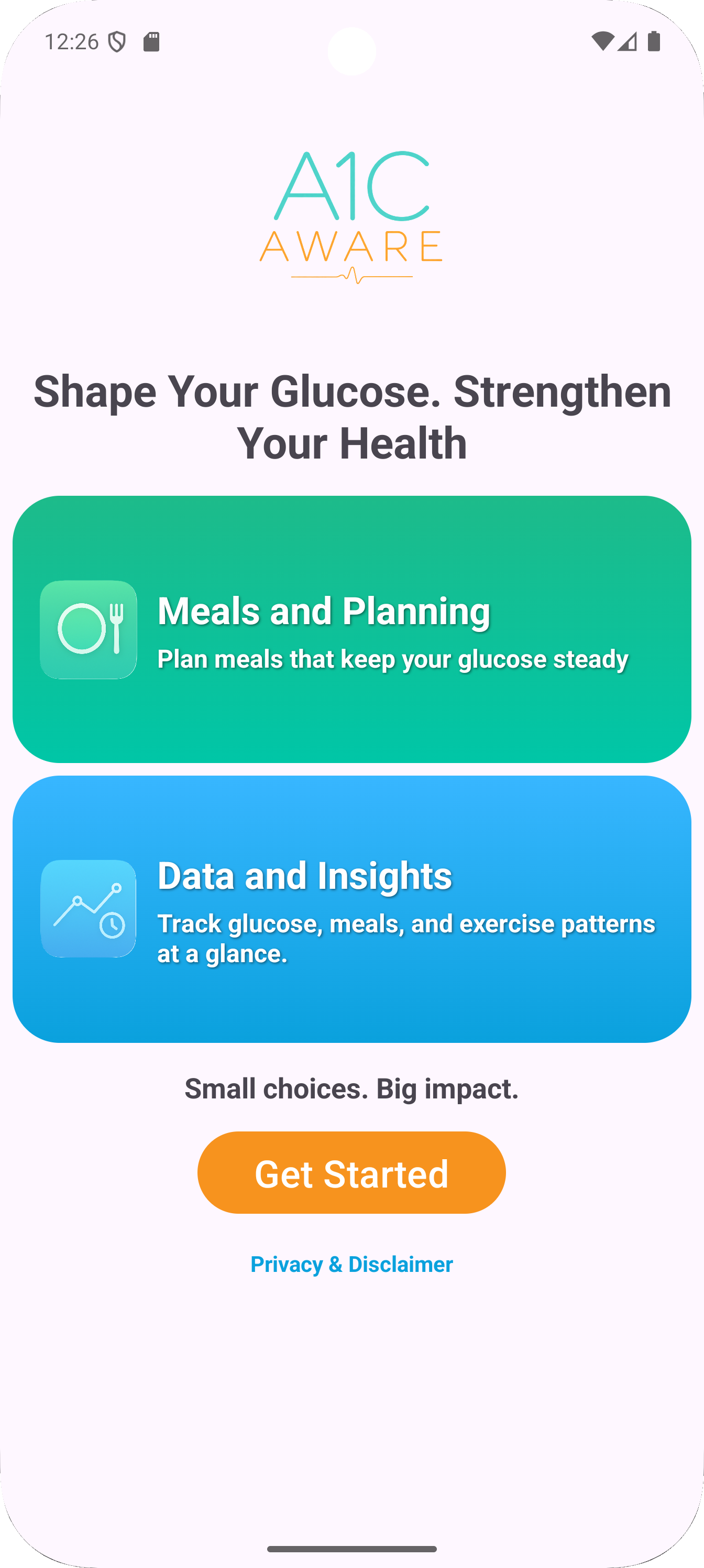
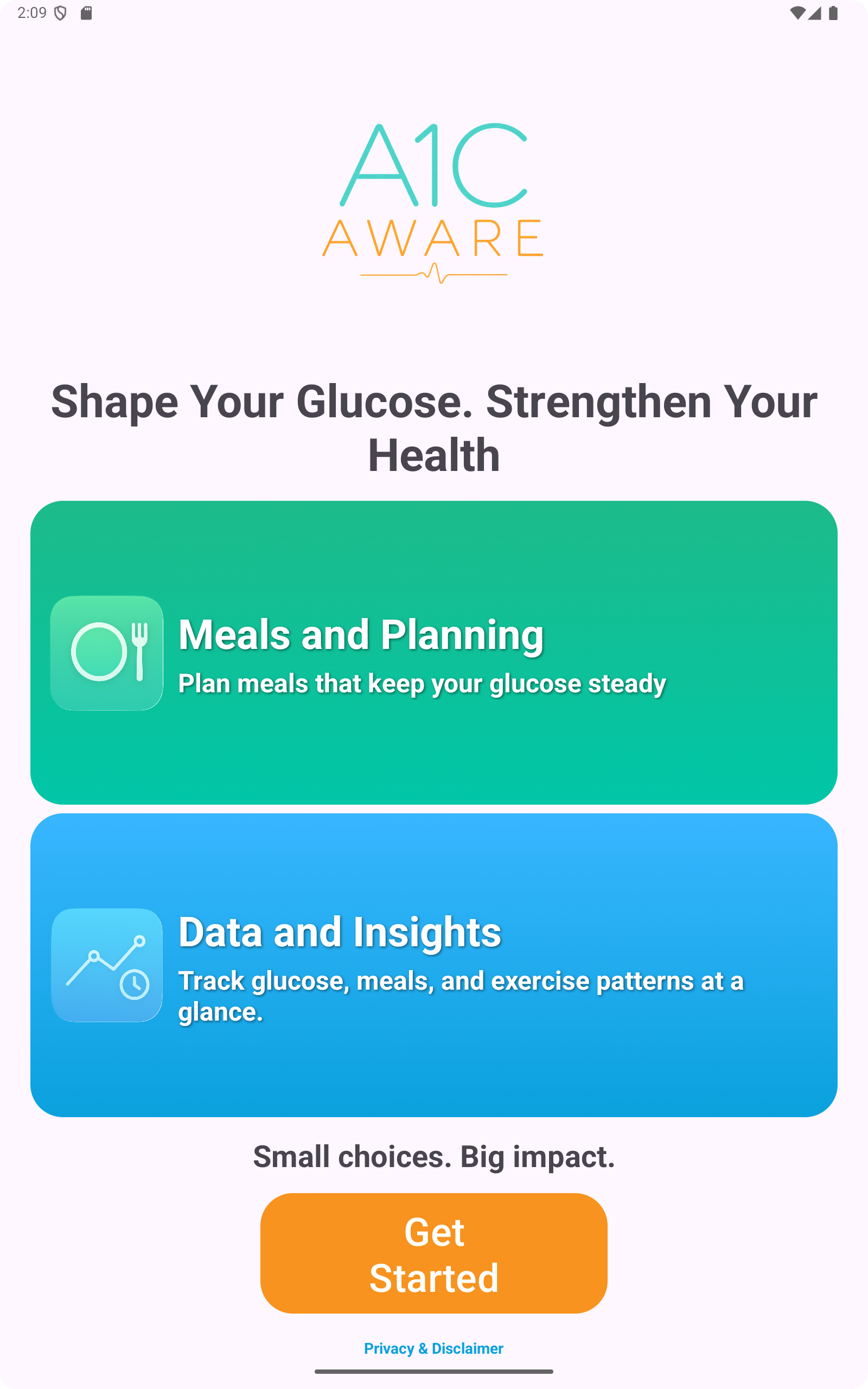
See how A1C Aware helps users build meals, adjust exercise, compare metabolic profiles, and review educational glucose chart patterns.
A1C Aware is built to make daily choices easier to understand. It is an educational tool, not a medical prediction tool.
Select meals and see carbs, calories, and food details near the glucose chart.
Set exercise intensity and timing so the chart can show an educational response pattern.
Explore Normal, Type 1, and Type 2 simulation settings for learning and planning.
View chart data in clean groups for overnight, meals, exercise, and recovery.
The home screen brings the main pieces together: glucose chart pattern, meal choices, exercise settings, selected foods, and metabolic profile. The goal is to help users learn how different planning inputs may affect the shape of the chart.
Select food items and review carbs, calories, and food type before adding them to the meal plan.
Choose activity levels and timing to see how exercise may change an educational glucose pattern.
Switch between educational simulation profiles for Normal, Type 1, and Type 2 learning scenarios.
Review the chart data in grouped sections so patterns can be easier to understand.
These modes are for education and planning practice. They are not medical advice, diagnosis, insulin dosing guidance, or a prediction of a real blood glucose result.
Shows a normal educational chart response to food and activity choices.
Shows how a Type 2 no-medication setting may shape an educational chart pattern.
Lets users compare how medication settings may change the learning example.
Provides an educational Type 1 scenario without insulin selected.
Shows an educational Type 1 insulin scenario for learning how inputs may affect chart shape.
Current app screens show the food menu, exercise settings, metabolic profile, and data view used in the planning flow.
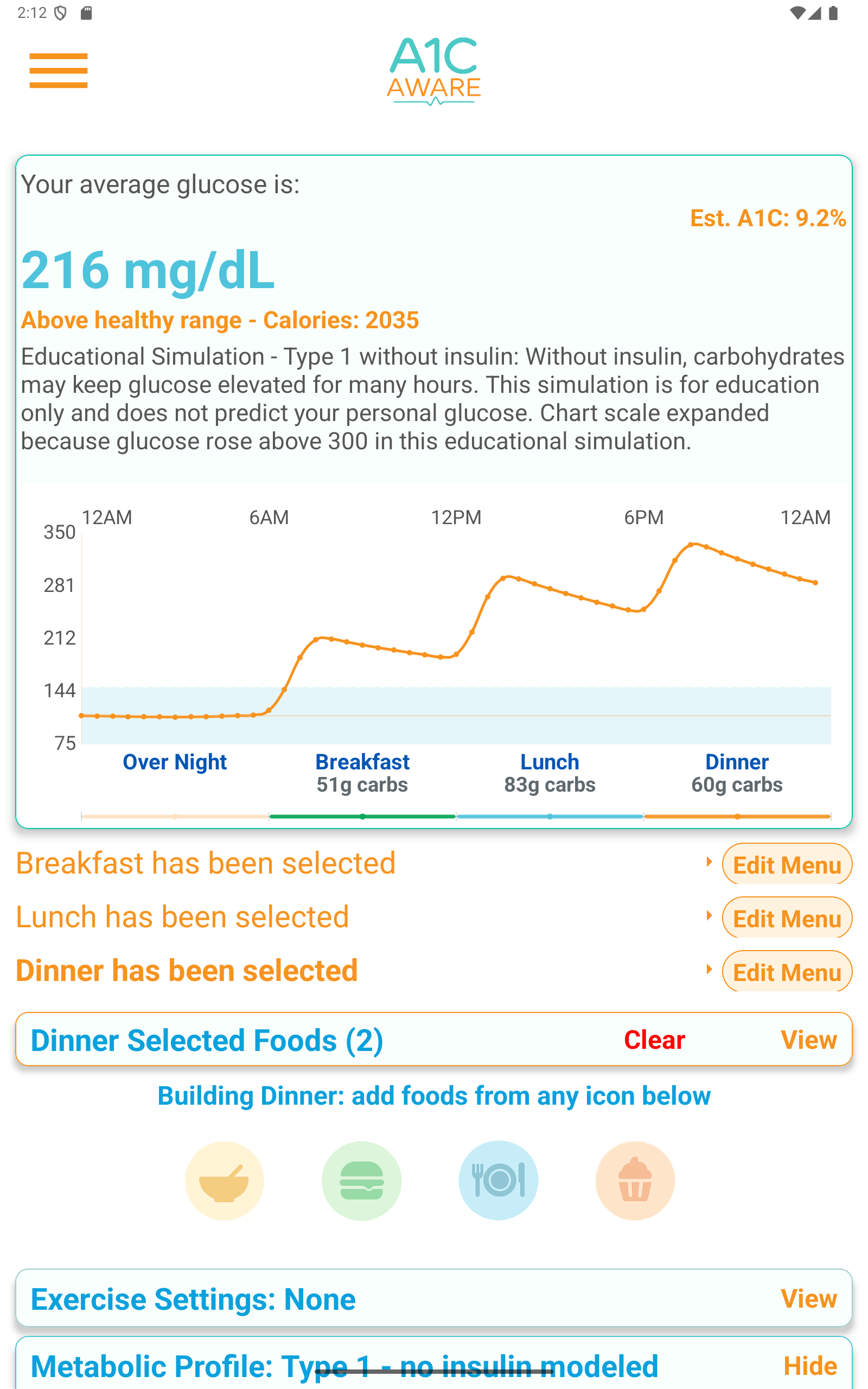
The menu helps users compare foods and build a meal plan with simple controls.
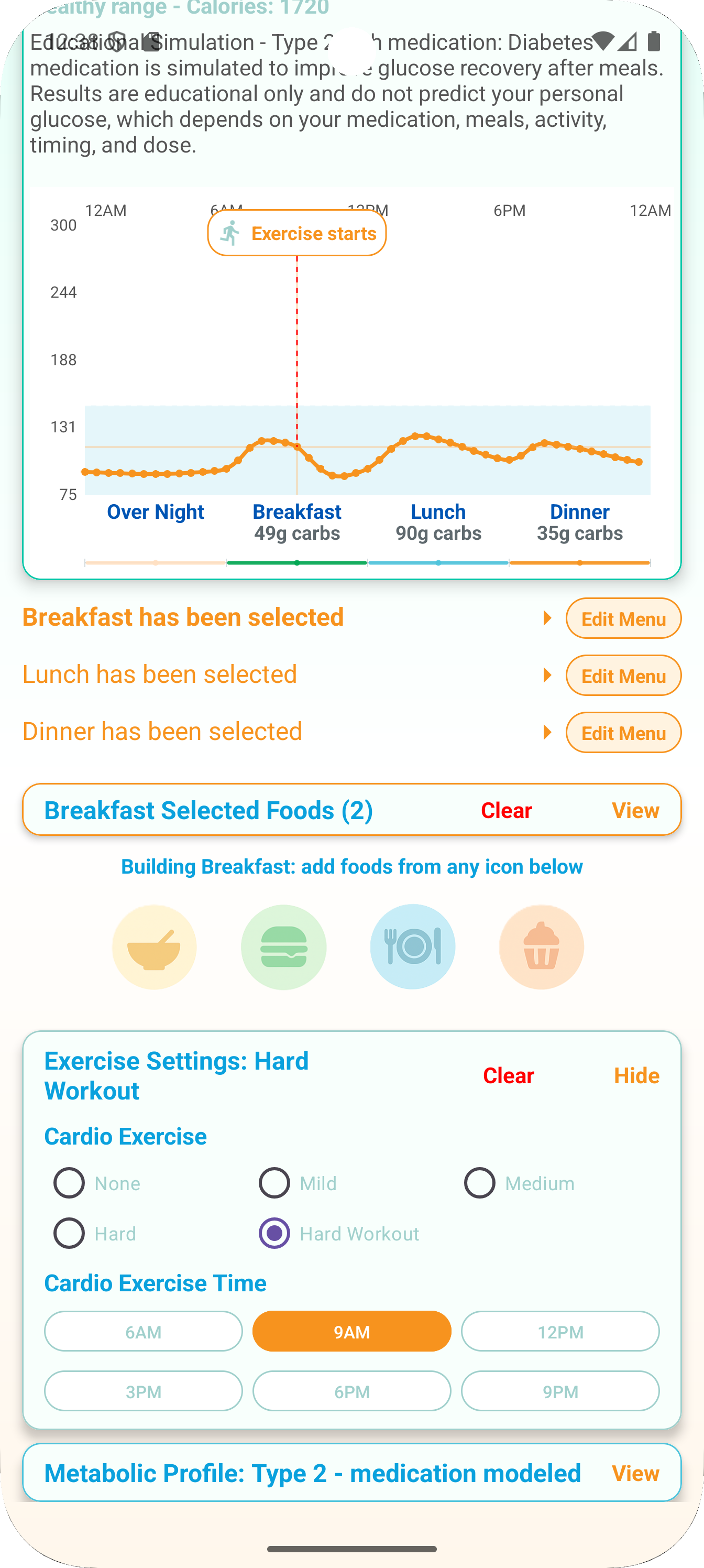
Exercise settings help explain how movement timing and intensity may affect the educational chart.
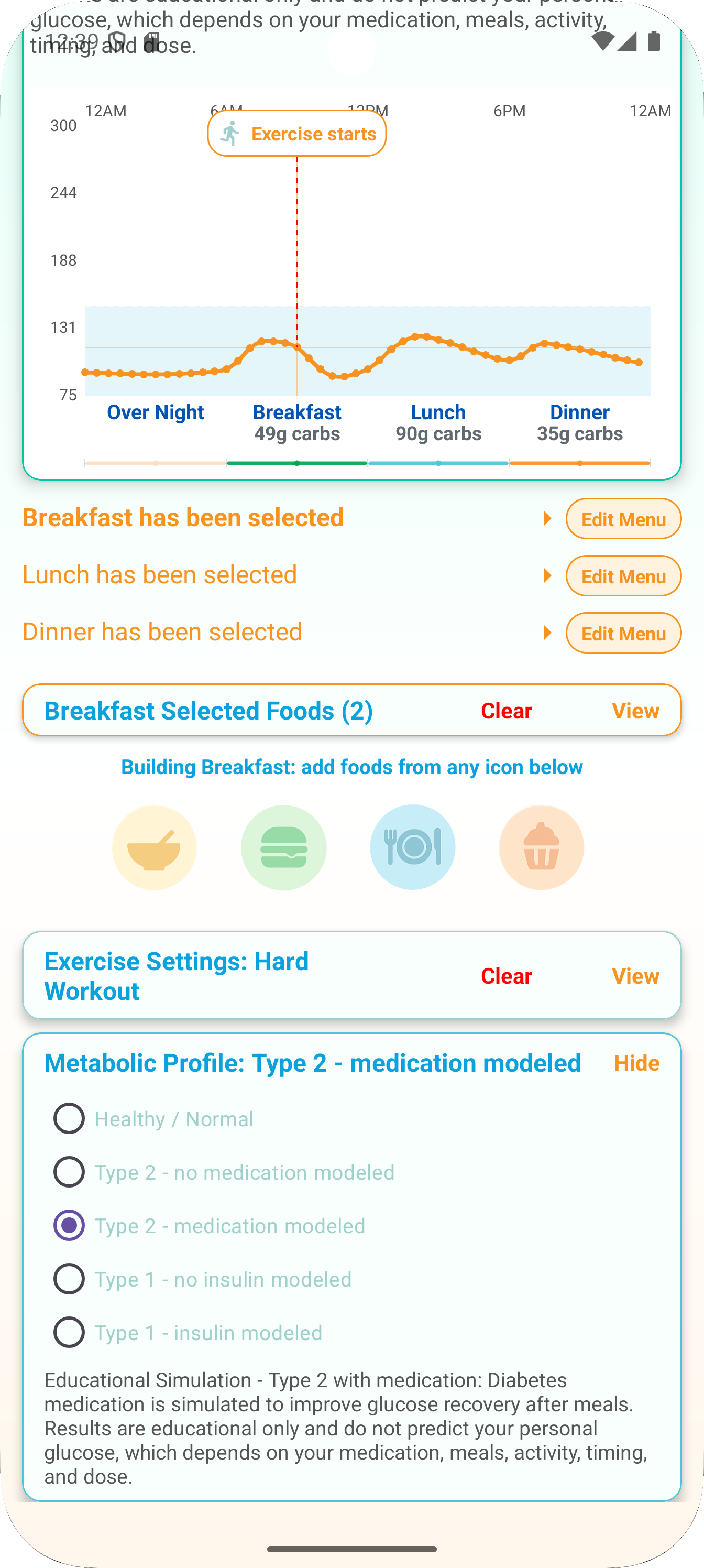
Users can switch modes to learn how different profile assumptions change glucose chart patterns.
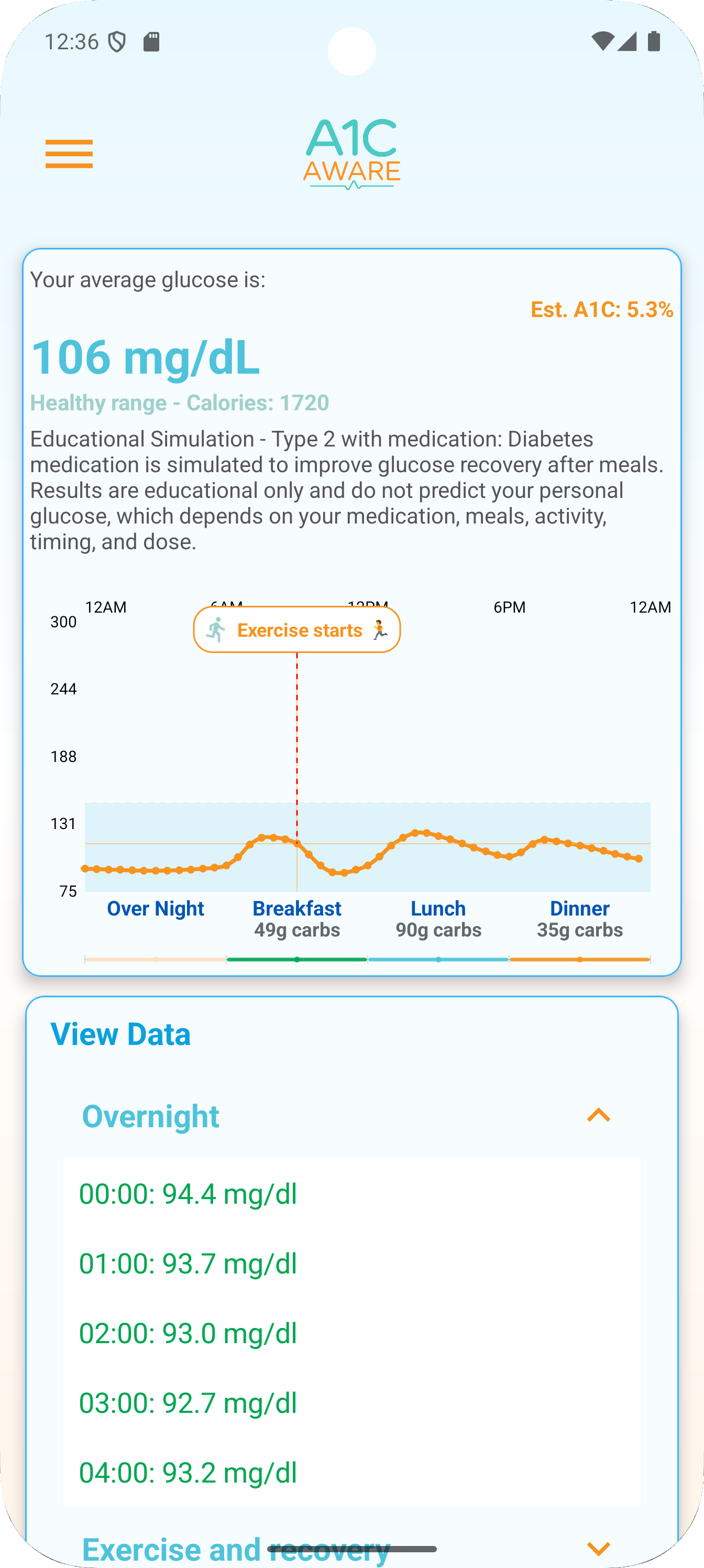
The data page keeps readings organized so patterns can be reviewed without clutter.
A1C Aware is an educational glucose and fitness planning app. It is not a medical device, not a diabetes treatment tool, and not a medical prediction tool.
Users should not use A1C Aware to make medical decisions, adjust insulin, change medication, diagnose a condition, or replace advice from a licensed medical professional.
Privacy PolicyAndroid users can find A1C Aware on Google Play and use it to explore educational glucose chart patterns, meal choices, exercise settings, and metabolic profile examples.